What Google Search Console tells you. A bird's‑eye view of your searches

Alex · Founder of Magpie AI
Published · 6 min read

In short
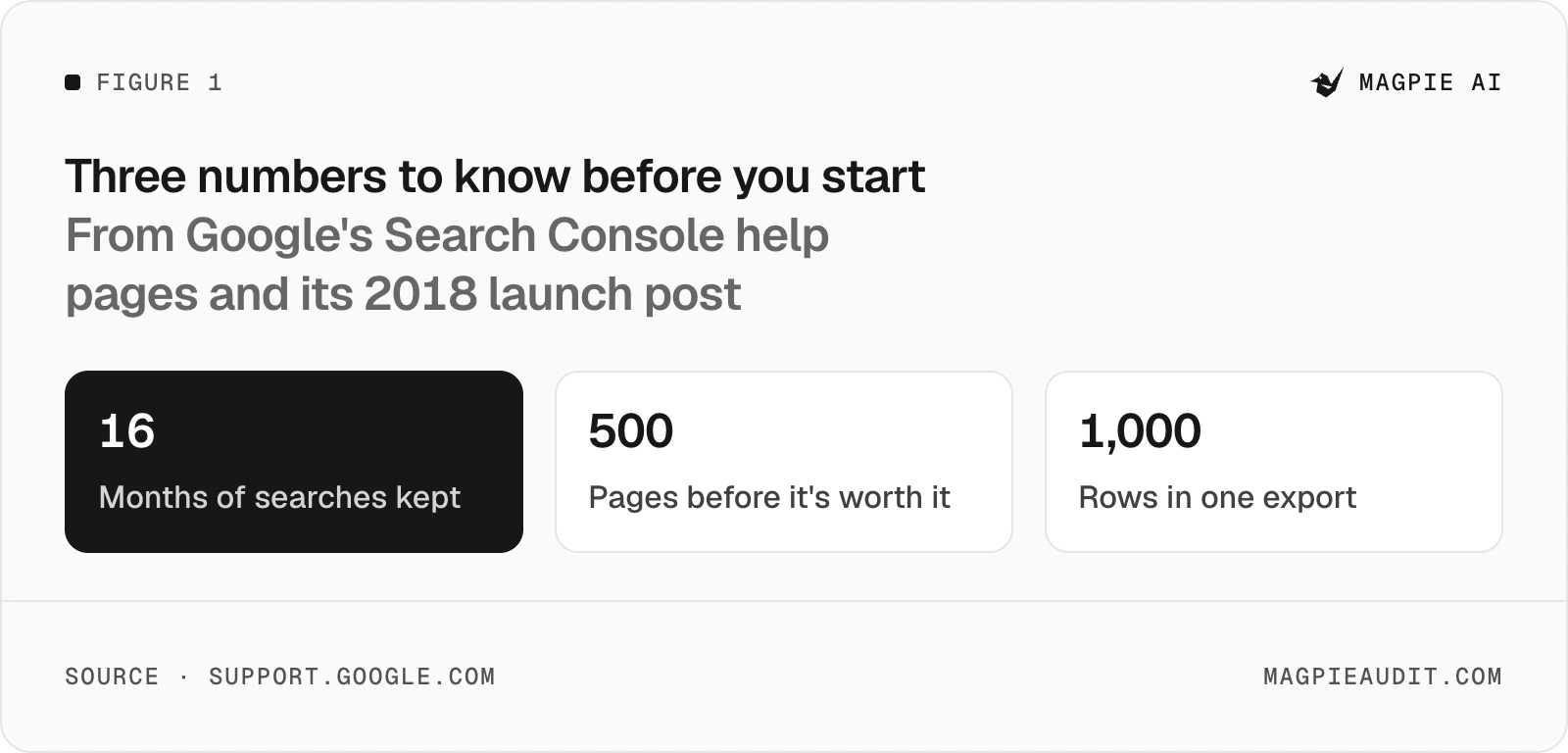
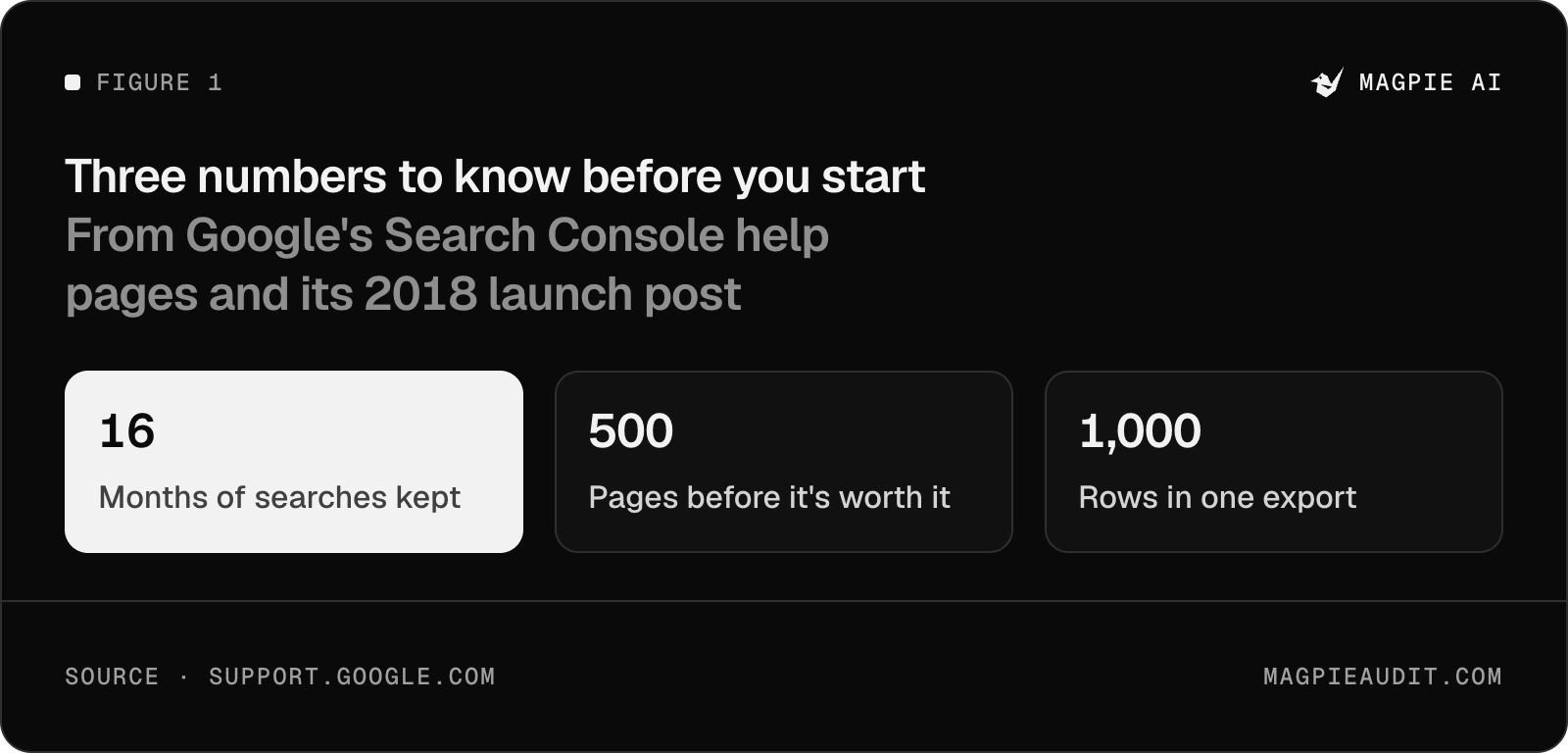
Whether Google has indexed your important pages, and which searches show your site and get clicks. Add your site the day it goes live: data starts when you add it, and only 16 months are kept.
Contents
Search Console tells you two things worth your time. Whether Google has indexed the pages you care about, and which searches show your site and how often people click. Everything else in it is detail. It's free, it's Google's own data, and it's the only place you'll see the searches people typed before they found you.
The part I open most is indexing. A page Google hasn't indexed can't be found at all, so I'd rather know about that before I worry about anything else.
Add your site the day it goes live#
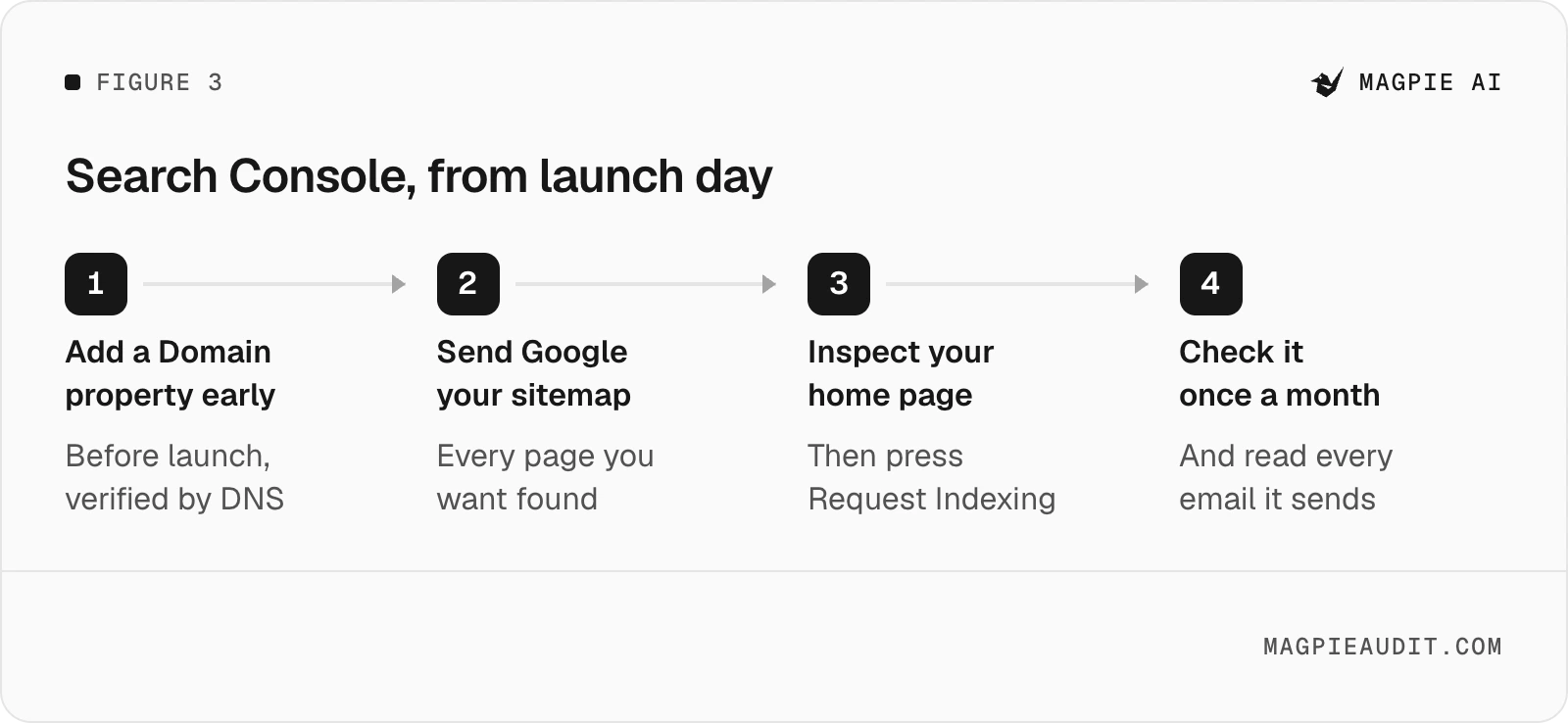
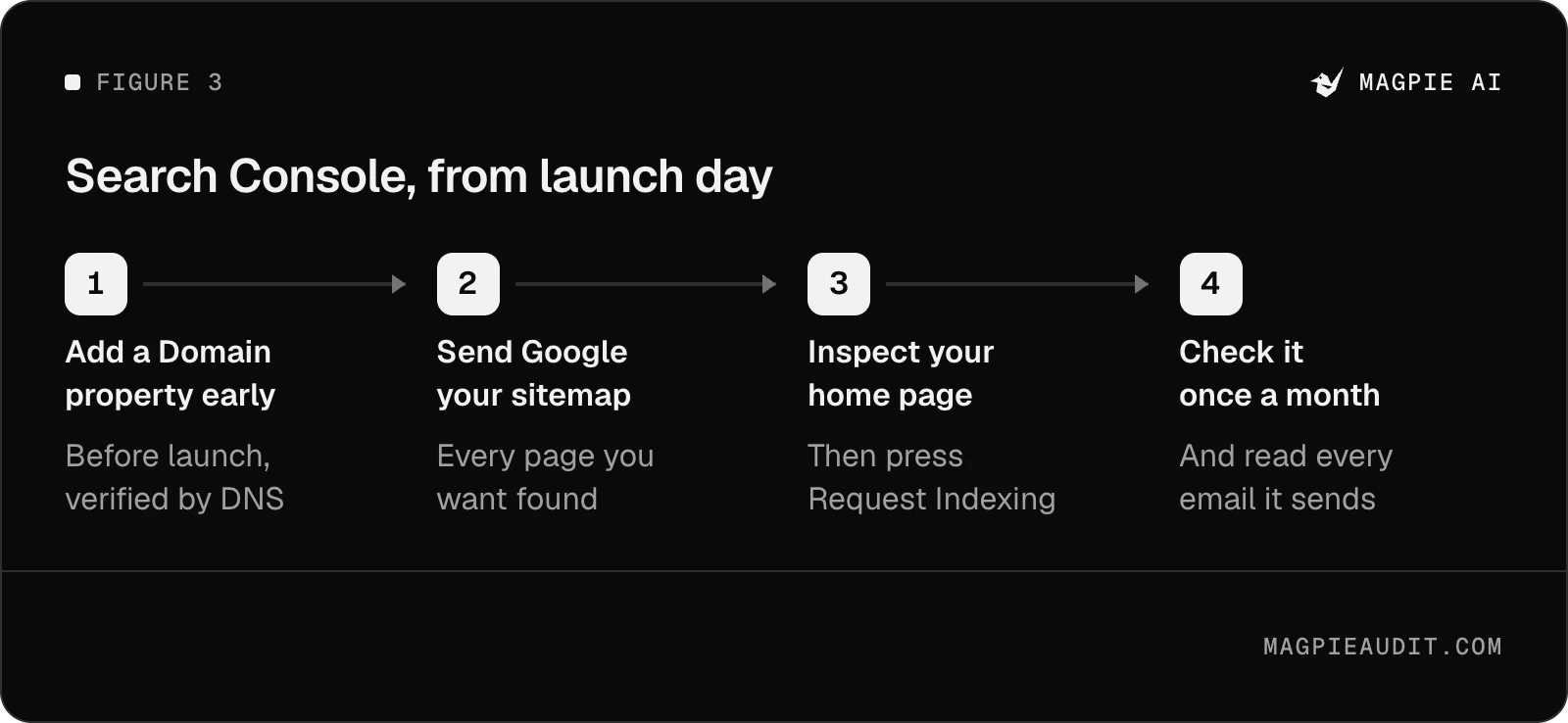
I'd add it before launch, and Google's own help page gives the reason. "Data collection for a property starts as soon anyone adds the property to their Search Console account, even before verification." Nothing is collected for the weeks before you add it. The early bird gets the data.
The other half is how long it keeps it. Google's Performance report holds 16 months, a limit it set in 2018 so you could compare one year with the last. Older days drop off the end. Its daily export to BigQuery only starts from the day you switch it on, so that won't rescue the past either.
Pick a Domain property if you can add a DNS record. It covers www and the bare address, every subdomain and both http and https in one place. A URL-prefix property covers only the exact address you type, so https://plotwise.example and https://www.plotwise.example would need one each. (That's a made-up garden planner, which I'll use for the rest of this.)
Adding it doesn't help you rank. Google says plainly that you don't have to sign up to be included in its results. What it gets you is the data, and an email when Google finds a problem.
Check your important pages are indexed#
Google's advice for small sites is to skip it. "If your site has fewer than 500 pages, you probably don't need to use this report," it says of the Page indexing report, and suggests a site:plotwise.example search instead, then the URL Inspection tool for any one page. That's sound. I still open the report, because it lists every page Google turned down with the reason, and on a small site there are only a handful to read.
Most of those reasons aren't problems. Google lists pages it left out on purpose, and its help is blunt about some of them: a page marked noindex that you meant to hide gets a congratulations. The ones that matter are where a page you want found sits under a reason that stops it.
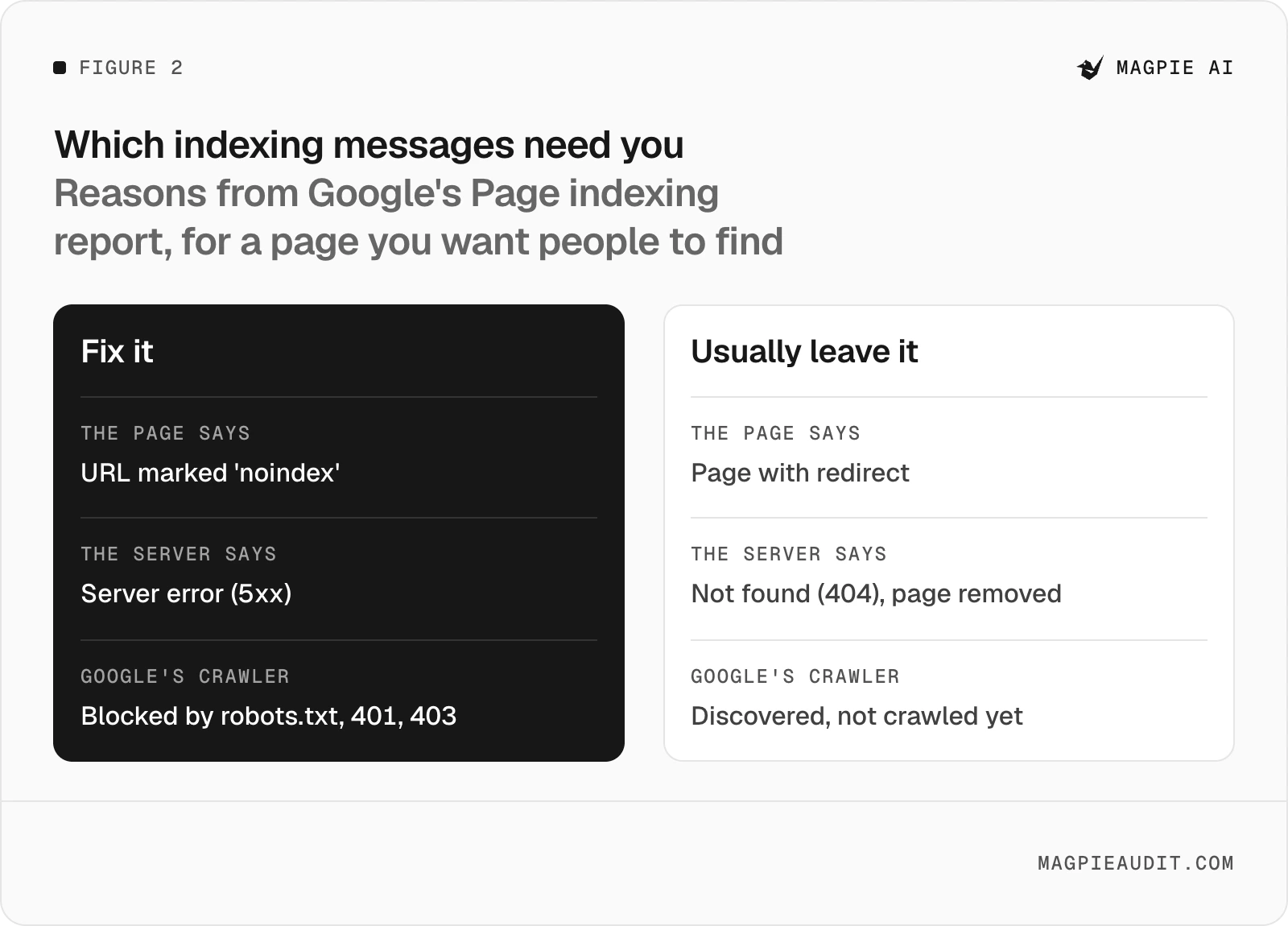
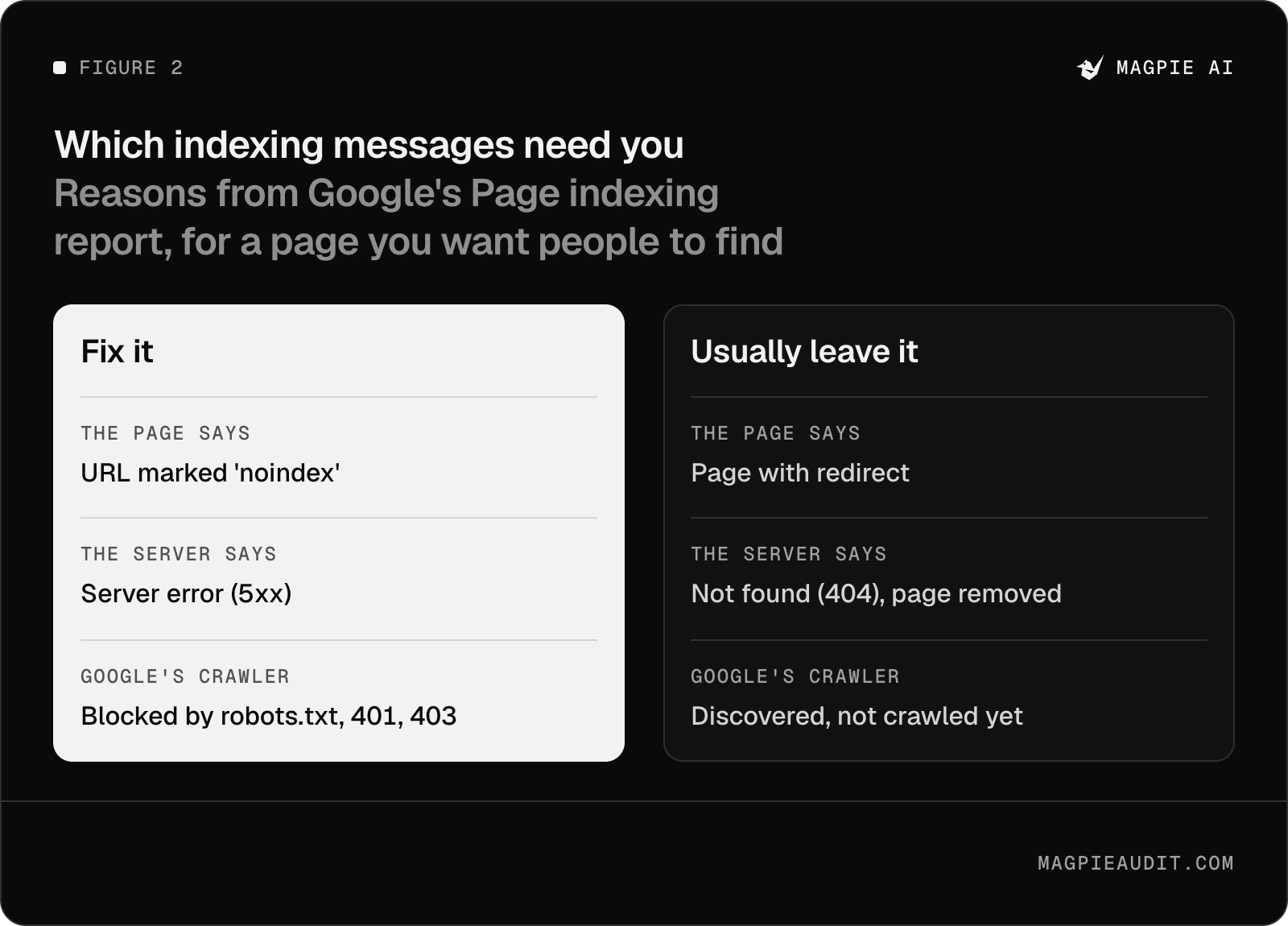
The commonest one I'd look for is a noindex tag left over from a test version of the site. If plotwise.example's pricing page sits under "URL marked 'noindex'", nobody will ever find it from Google, and the fix is one line. A 403 is another worth knowing. Googlebot never logs in, so a firewall or a login wall in front of a page hides it completely.
Two messages look worse than they are. Crawled - currently not indexed is, in Google's words, "a common message for many sites" and not necessarily an issue. Discovered - currently not indexed means Google found the address and put off visiting it so as not to overload your server.
Asking Google to look again#
Once you've fixed a page, open it in the URL Inspection tool, run the live test and press Request Indexing. The live test checks the page as it is now. The default view shows the copy Google last indexed, which can be weeks old.
Then wait. Google says crawling "can take anywhere from a few days to a few weeks", that requesting it doesn't guarantee the page gets in at all, and that asking again for the same address "won't get it crawled any faster". There's a quota, too. For a new site, it suggests requesting your home page first, since Google can find the rest from its links. A sitemap tells it about every page at once.
Reading the searches report#
The Performance report shows four numbers: clicks, impressions, click rate and average position. Two of them aren't what they sound like.
An impression is counted whenever your link is on the page of results someone sees, "whether or not the item is scrolled into view". So a result at number nine counts as seen even if nobody scrolled that far. Google's own help says to aim for "meaningful impressions" rather than more of them, which I'd take as permission to ignore a big impressions figure with no clicks under it.
Average position is the topmost spot your site took in each search, averaged. One result at number two and another at number eighty can average out to a figure that describes neither, so read it by search, never for the whole site.
And the rows won't add up to the total. Searches typed by fewer than "a few dozen users over a two-to-three month period" are hidden to protect the people who typed them. Their clicks stay in the chart's total but get no row in the table. Google's example shows 450 clicks across the rows and 550 in the total. On a small site most searches are that rare, so a large share of your clicks can be anonymous.
Before you panic about a dip, check Google's Data anomalies page. It lists the logging errors that moved everyone's numbers, like the one that cut impressions from Google's AI results between 9 and 11 November 2026.
What to do on day one, then once a month#
You don't need to live in it. Google's getting-started page says there's no need to sign in every day, since it emails you when it finds an issue, and suggests a look "around once every month" or after you change the site.
Search Console sees your site the way Google's crawler does. It won't tell you what visitors do once they land. That's a separate job. Magpie's free audit does check part of what Google needs before it can list your home page at all: whether the page or its robots.txt tells Google to stay away, whether a sitemap is there and whether the page names its own canonical address.
Questions people ask#
Does adding my site to Search Console help it rank?#
No. Google says you don't need to sign up to appear in its results. Search Console shows you what Google sees and tells you when something breaks, which can help you fix what stops a page ranking.
Why does Search Console show fewer clicks than my analytics?#
Usually they're counting different things: Search Console counts clicks on Google's results, and your analytics counts visits it saw arrive. A visitor who blocks your analytics, or whose visit it can't tie to Google, will show up in one and not the other. The searches themselves are another gap, since the rare ones are hidden from the table.
I added my site years late. Is the old data gone?#
Anything older than 16 months, yes. Google only collects from the day someone added the property, and drops days past 16 months. If you want a longer history, export it before it falls off the end.
12 sources
- Search Console Help, Add a website or platform property (opens in a new tab)
- Search Console Help, About Search Console (opens in a new tab)
- Search Console Help, Page indexing report (opens in a new tab)
- Search Console Help, URL Inspection tool (opens in a new tab)
- Search Console Help, Performance report (Search results) (opens in a new tab)
- Search Console Help, What are impressions, position, and clicks? (opens in a new tab)
- Search Console Help, Data anomalies in Search Console (opens in a new tab)
- Search Console Help, Start a new bulk data export (opens in a new tab)
- Google Search Central, Ask Google to recrawl your URLs (opens in a new tab)
- Google Search Central, Get started with Search Console (opens in a new tab)
- Google Search Central Blog, A deep dive into Search Console performance data filtering and limits (Daniel Waisberg, 2022) (opens in a new tab)
- Google Search Central Blog, Introducing the new Search Console (2018) (opens in a new tab)
About the author
Alex · Founder of Magpie AI
Alex founded Magpie AI and writes about turning a site's visitors into customers